Automate Reservation Creation
Complete solution for hotels of all sizes and AirBNB
Multi-Hotel Management
Create and manage multiple properties from a single unified interface
CloudHotel API
Connect with Netera CloudHotel API to instantly add reservations to your PMS
What is StaySync?
StaySync is an essential daily tool for reservation managers, whether they are at the hotel or working remotely.
Application Goals:
- Simplify the pre-booking process
- Automate notifications to managers and guests
- Provide guests with access to their reservation through an easy-to-use online panel
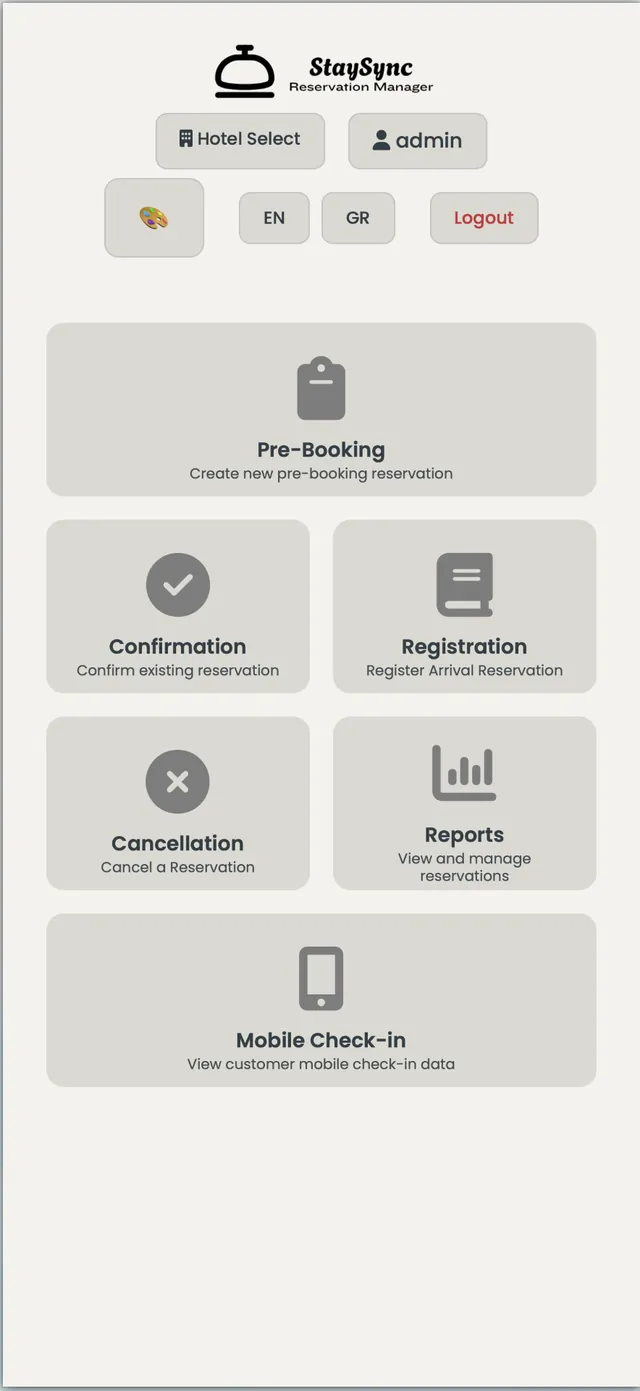
Home Dashboard
All-in-One Dashboard
When you log into StaySync, the home screen provides instant access to:
- Pre-Booking - New pre-reservations
- Confirmation - Reservation confirmations
- Cancellation - Cancellations
- Reports - Reports
- Mobile Check-In - Online check-in
- Portal Requests - Guest requests
The application interface can be customized between two available themes.
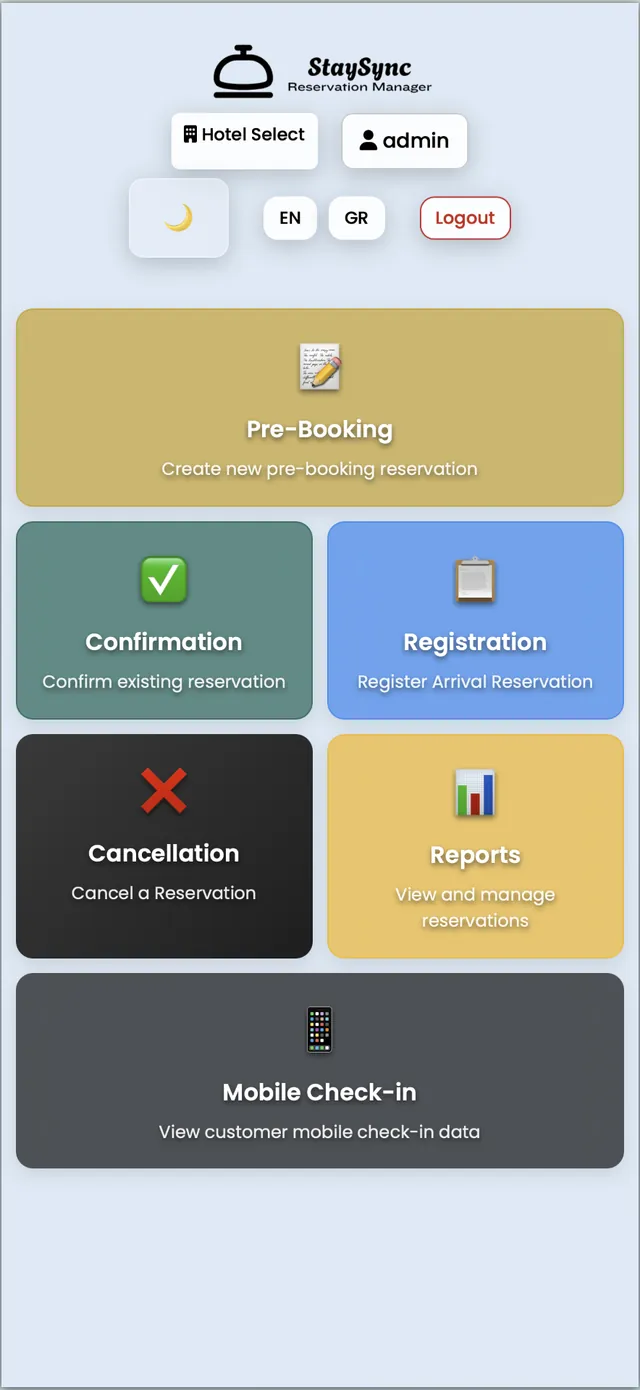
Pre-Booking – Create Reservations
Quick & Easy Entry
Selecting Pre-Booking opens the reservation entry form.
- Enter all guest details
- Automatic cost calculation based on nights
- Save & Send Email button
- Sync with CloudHotel PMS button
Language & Email Content
- Greek: Email in Greek with local banks
- English: Email in English with international banks
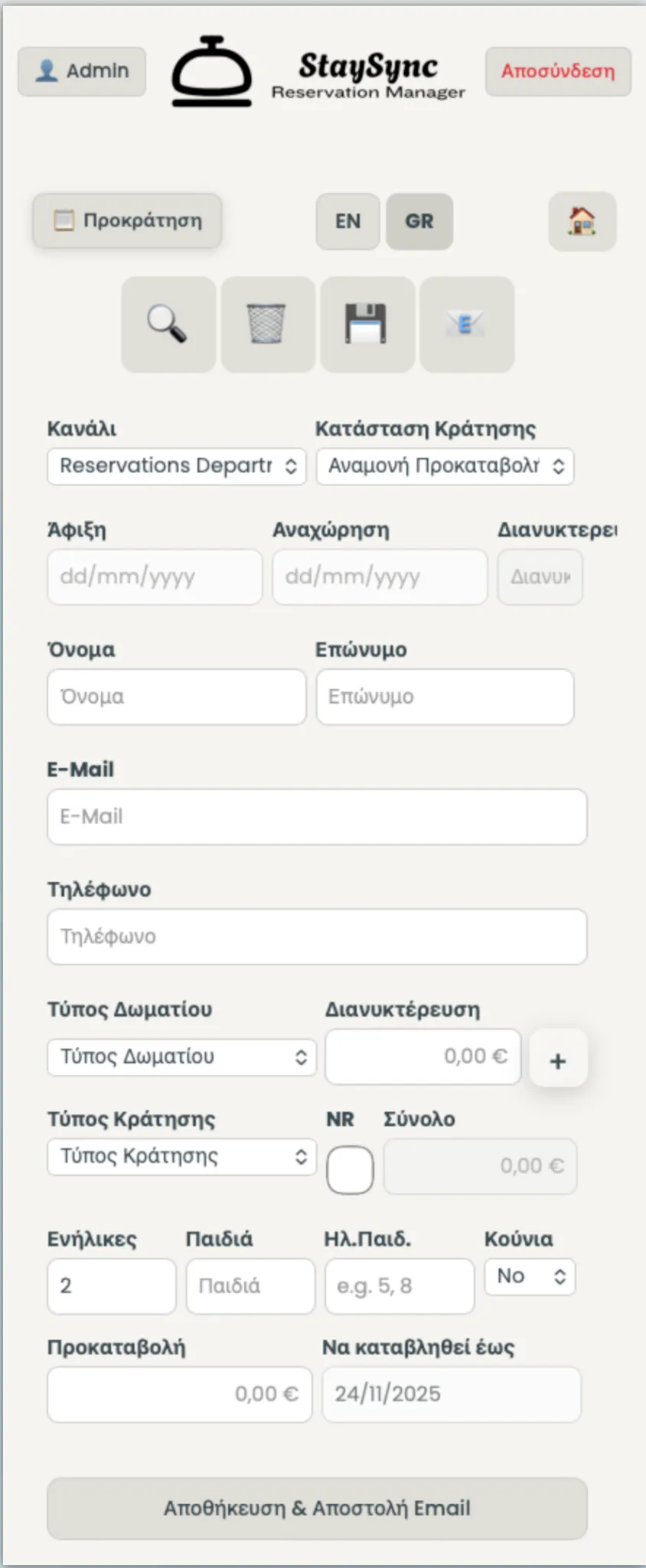
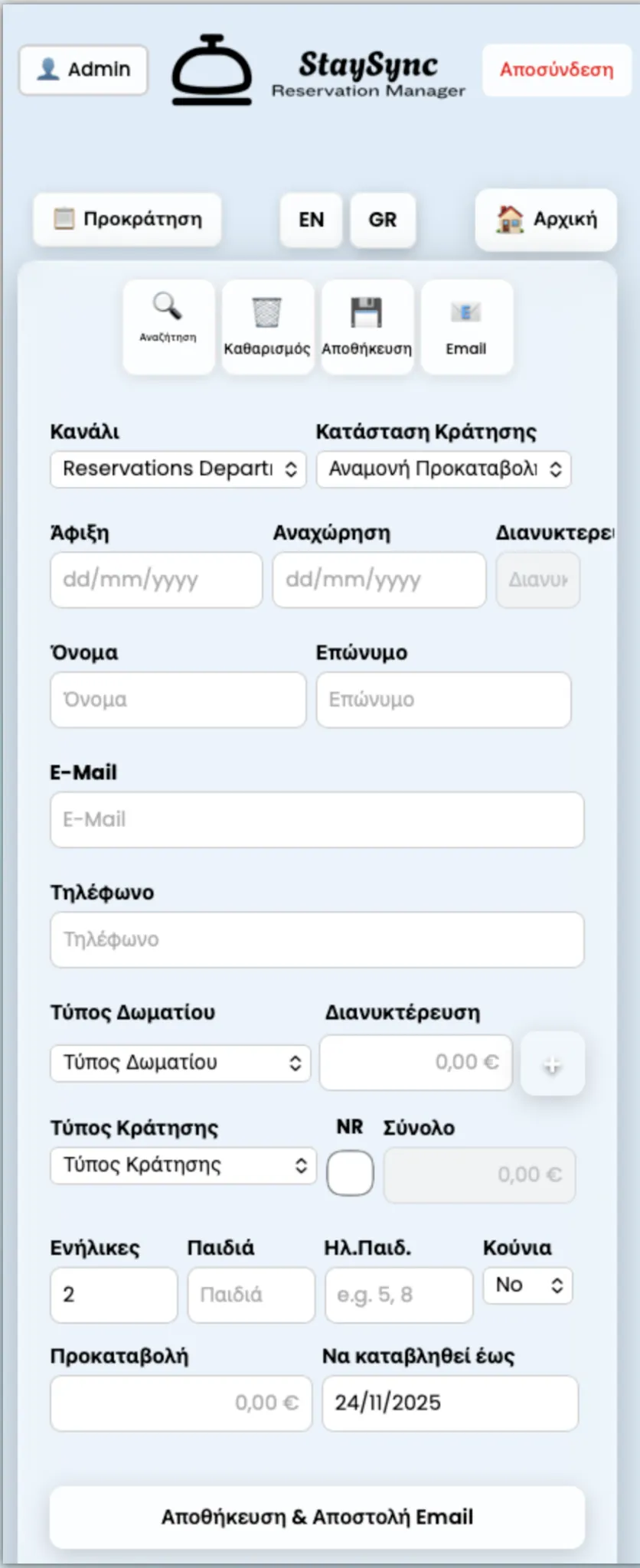
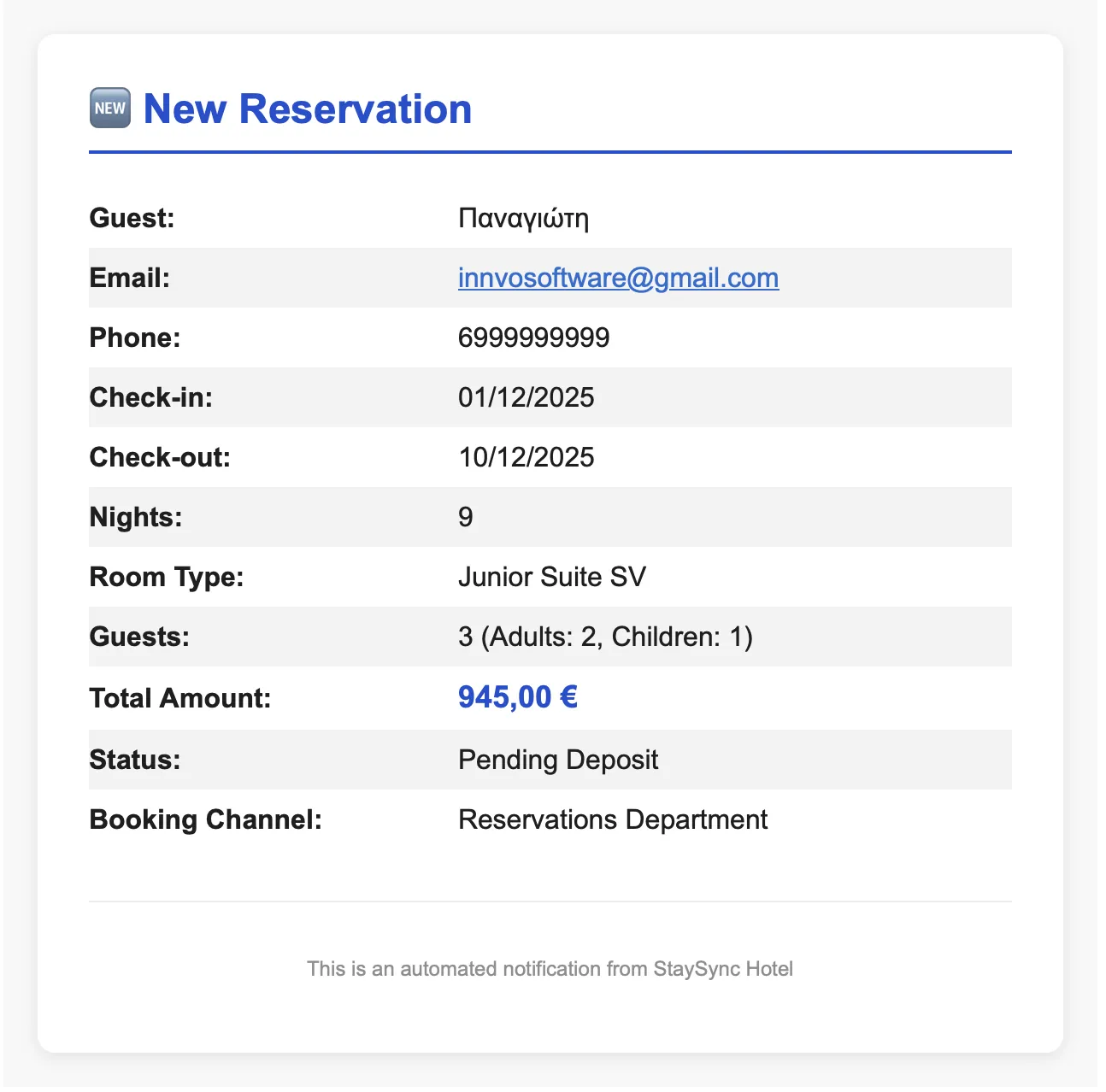
New Reservation Notification
Automatic Notifications
Manager Notification:
- Manager receives email for new pre-booking
Guest Notification:
- Confirmation email with thank you message
- Button for online reservation access
- Print option
- List of deposit payment methods
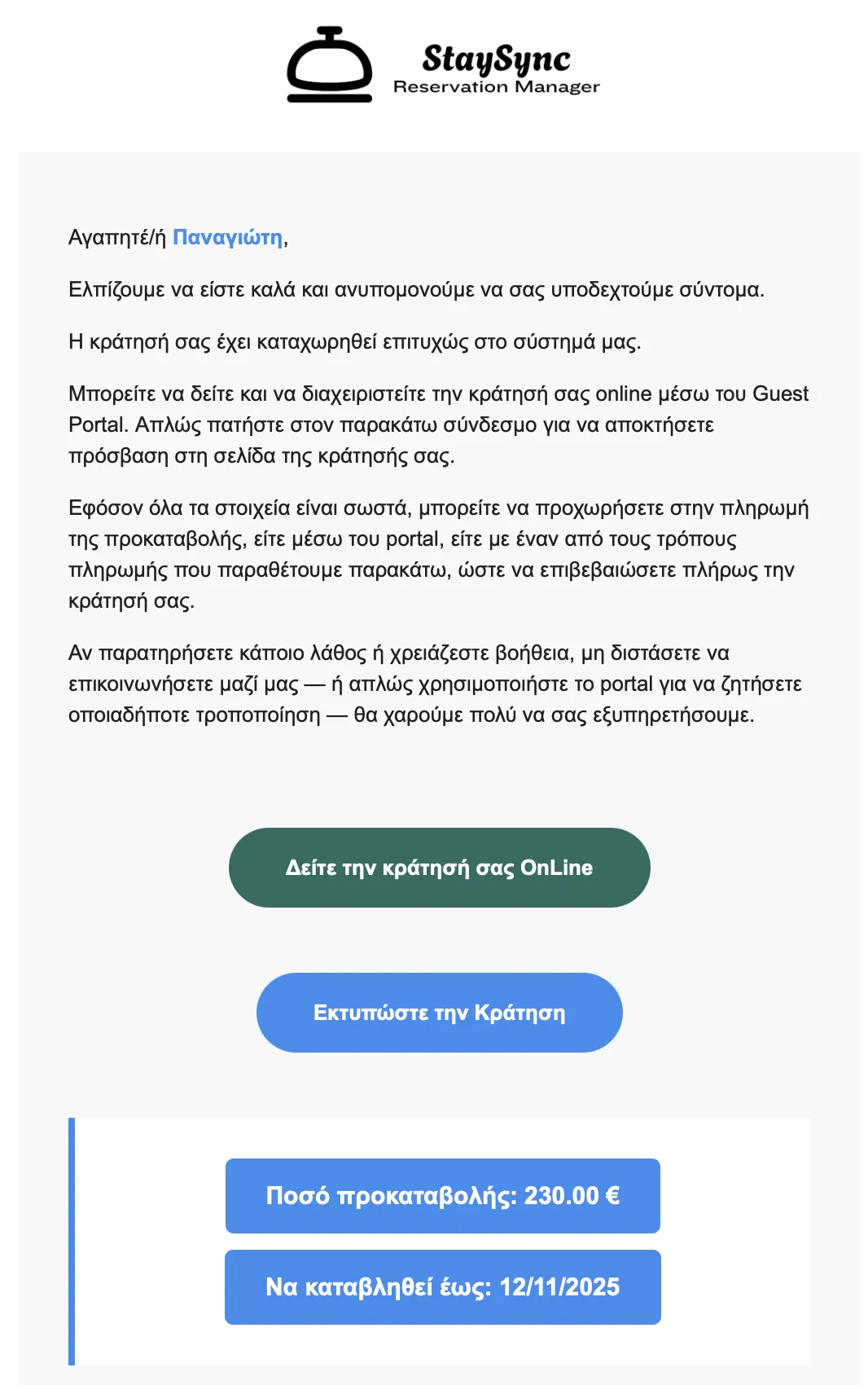
Guest Online Access
Self-Service for Guests
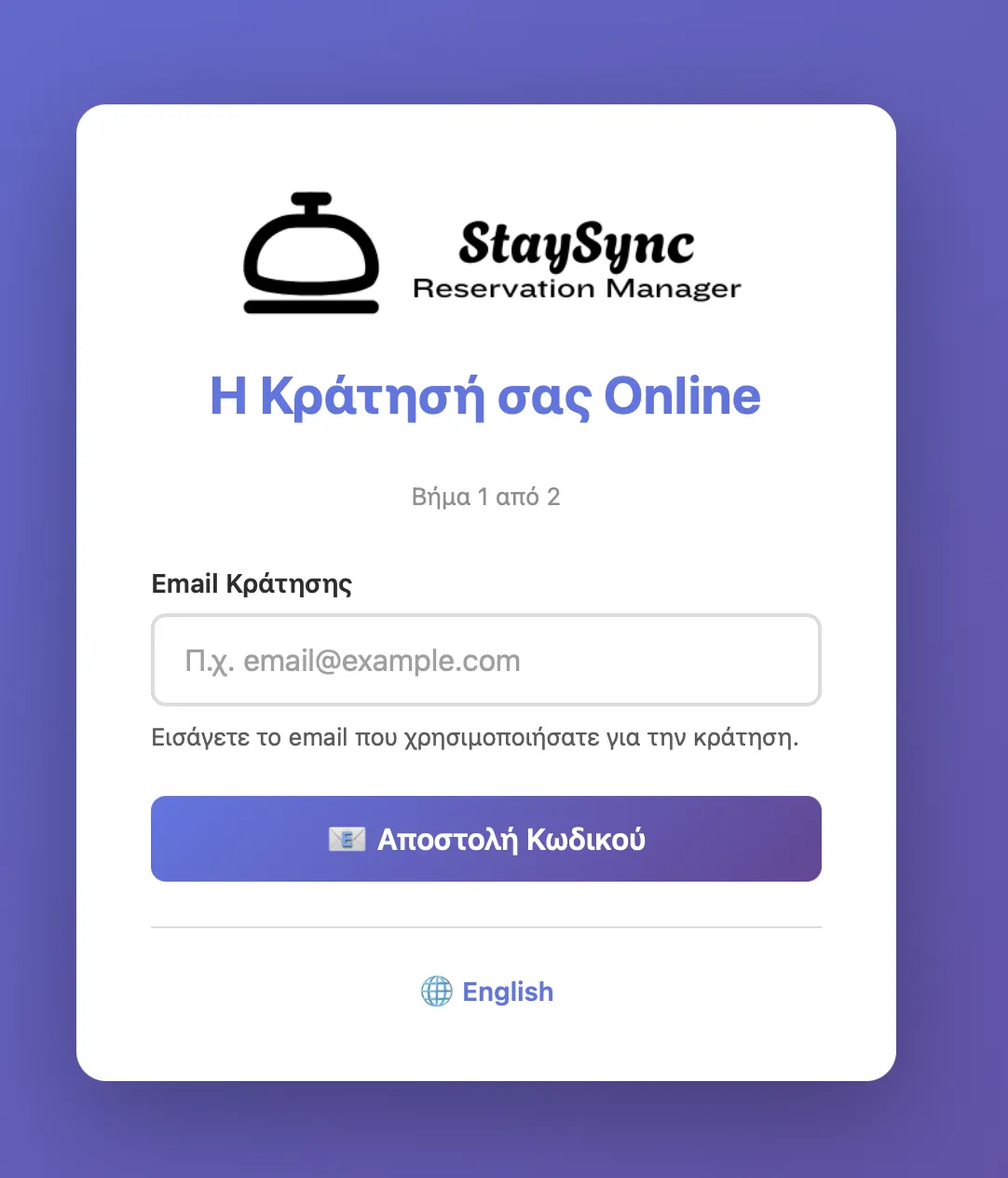
Guest clicks "View Your Reservation Online" and:
- Enters their email
- Receives one-time code
- Gains access to the panel
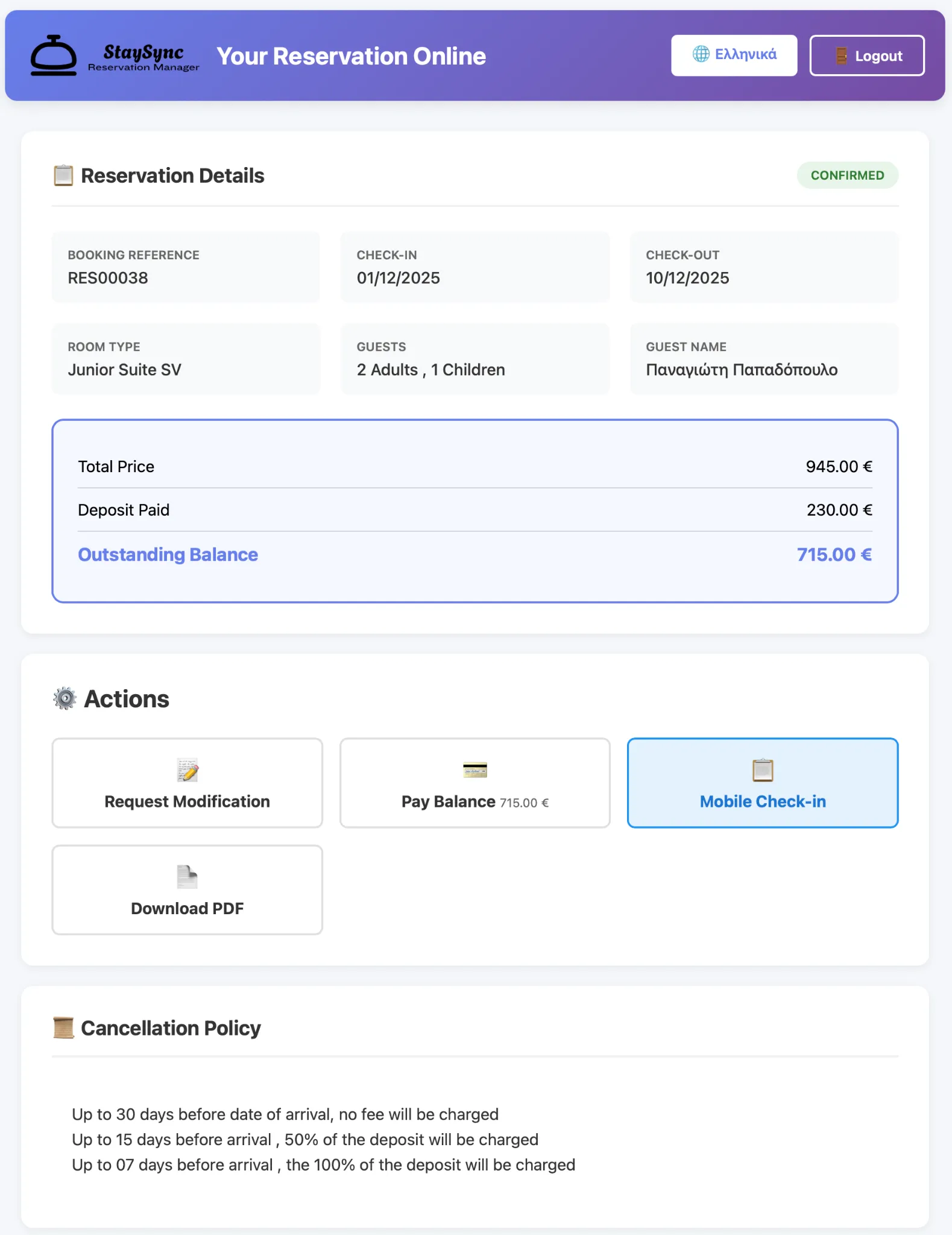
What guests can do:
- View detailed reservation information
- Request changes (Modification Request)
- Add deposit or pay balance
- Complete Web Check-in
- Download PDF
- View Cancellation Policy
Payments & IRIS QR Code
Fast Payment with QR Code
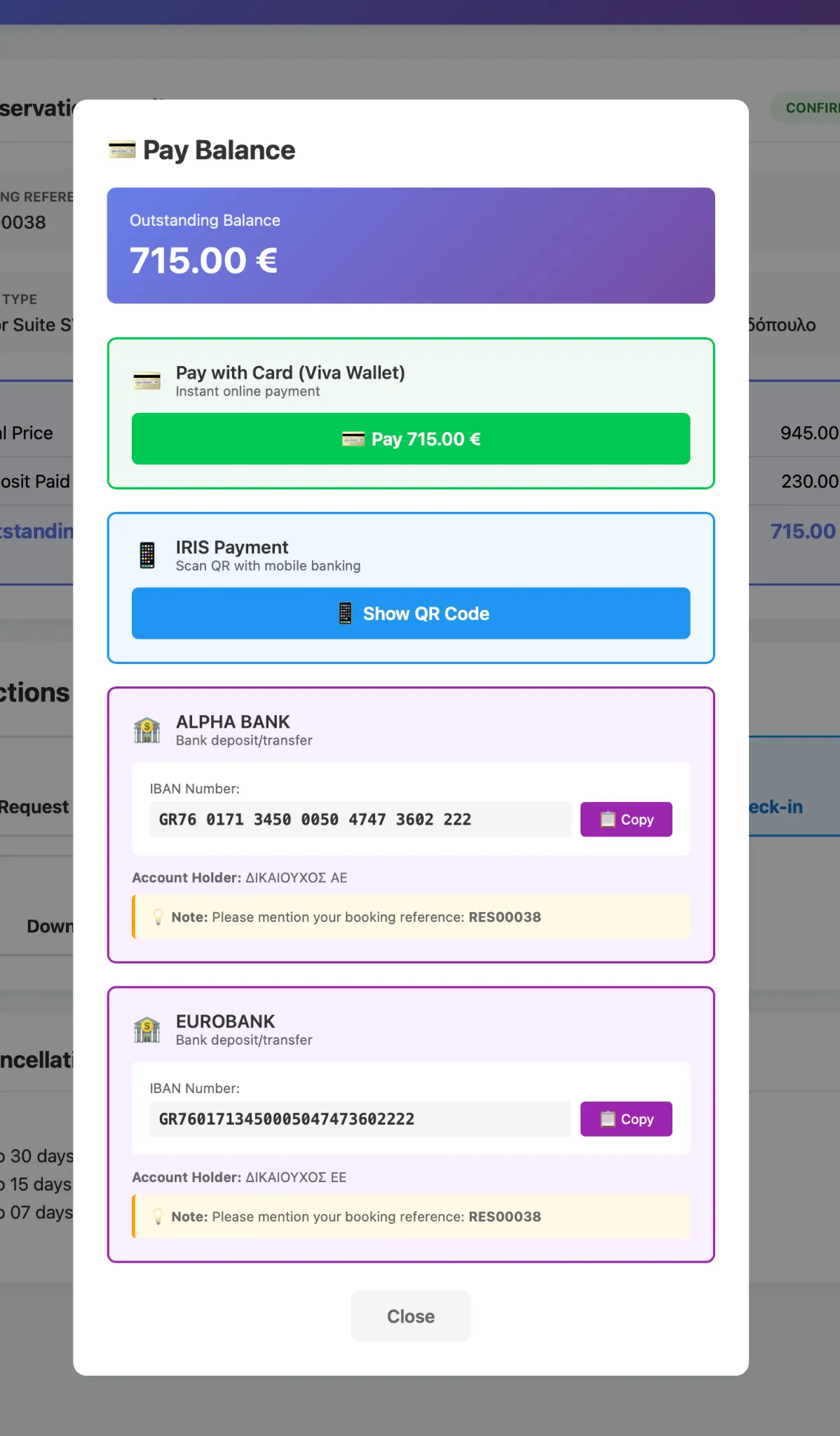
By selecting Pay Balance, the guest sees available payment methods.
- With IRIS Payment option, a QR Code appears
- Guest scans it from their banking app
- Completes payment quickly and securely
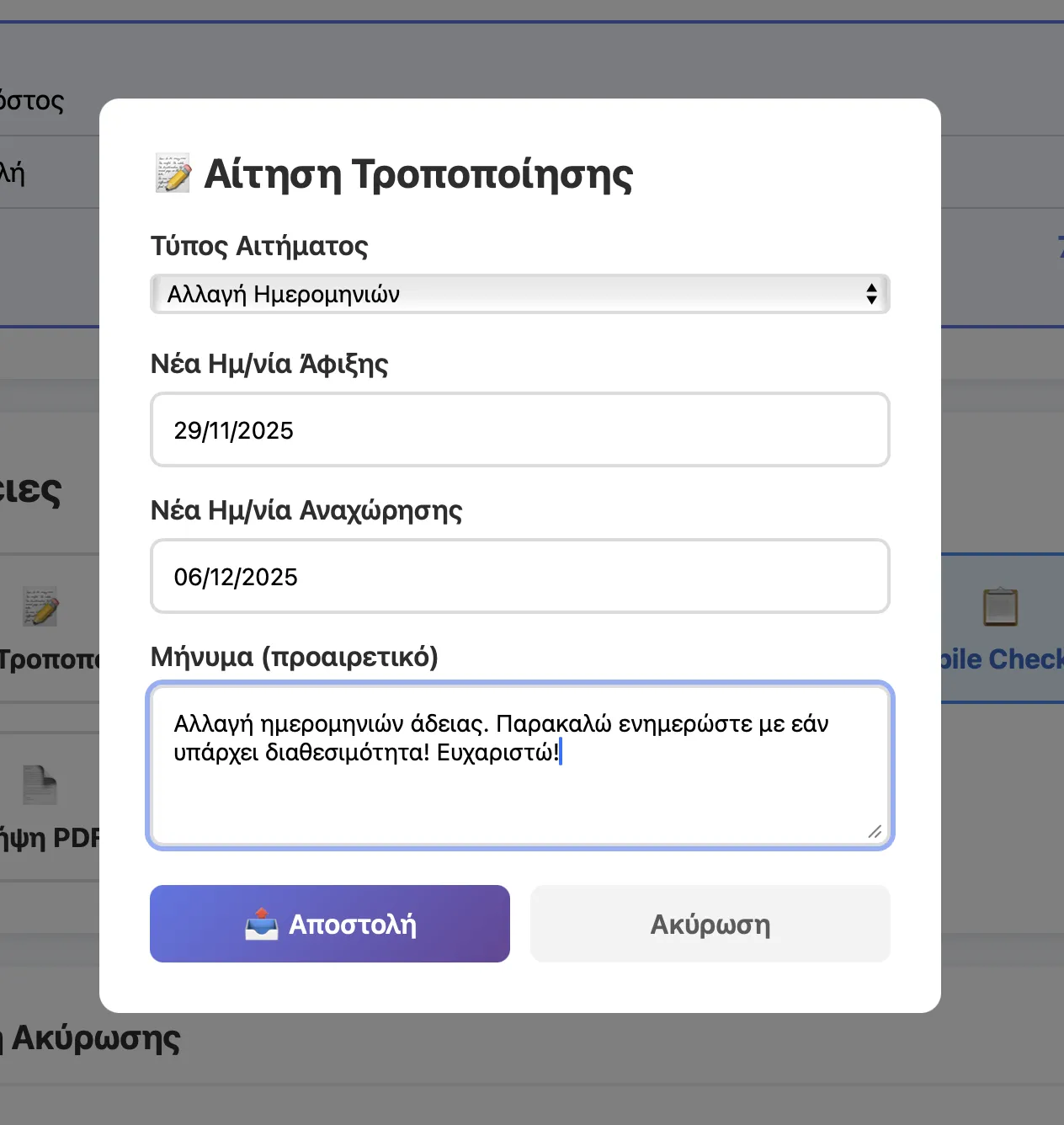
Modification Requests
Easy Change Management
Guest clicks Modification Request and selects:
- Date change
- Room type change
- Guest count change
- Other notes
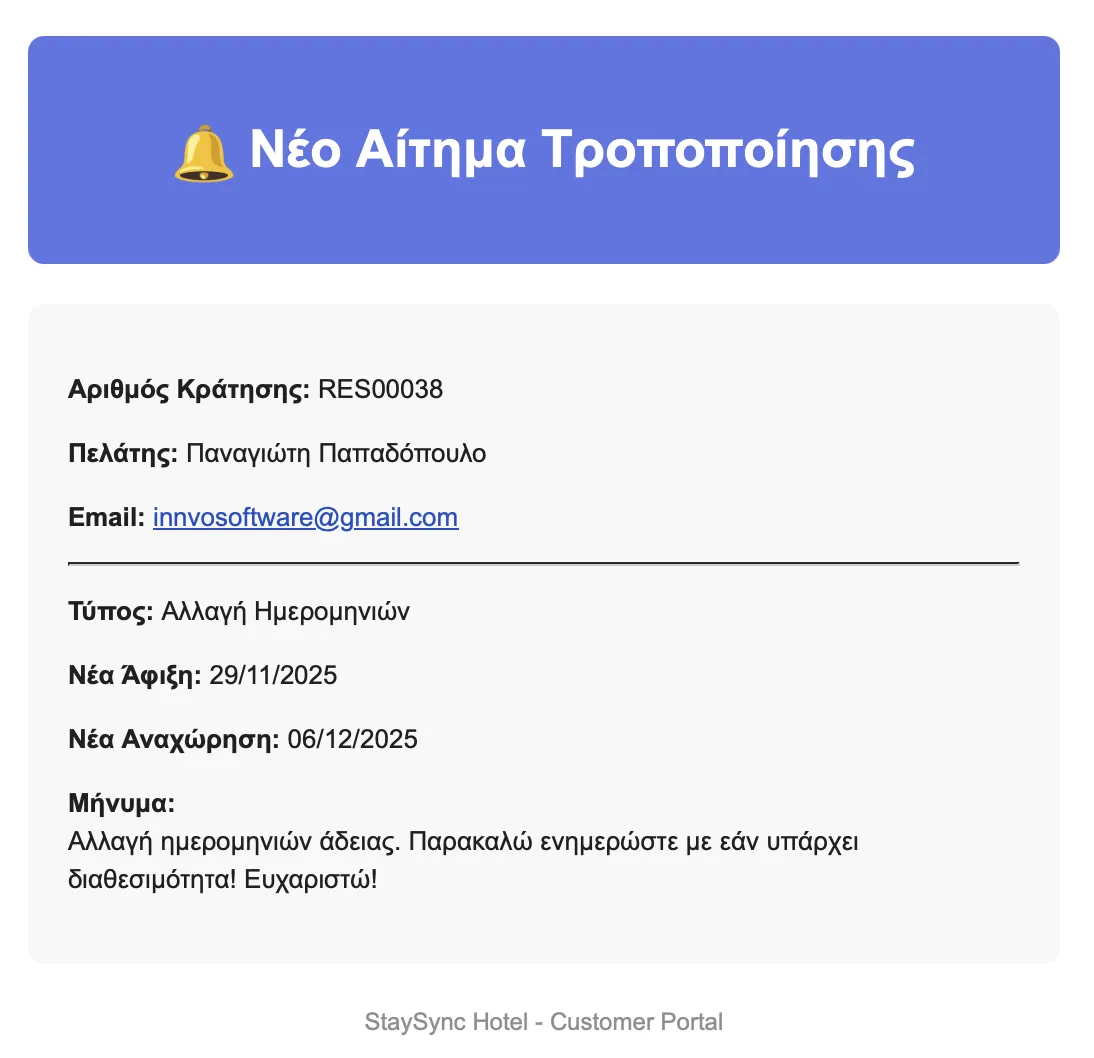
Manager Notification:
- Manager receives email with all details
- Can apply changes or respond to guest
Mobile Check-In
Faster Check-In
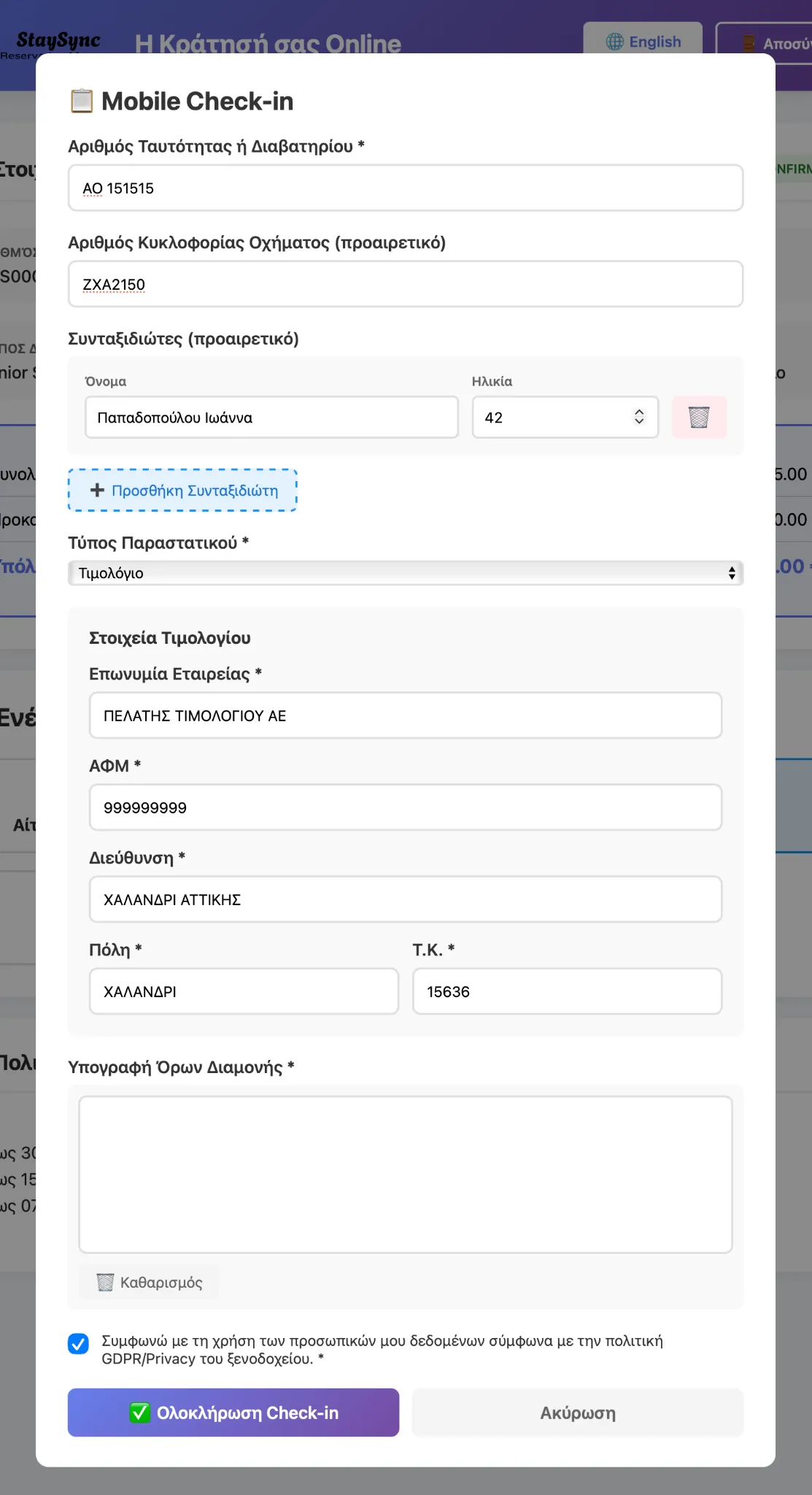
The Mobile Check-In feature allows guests to:
- Complete their information before arrival
- Speed up the check-in process at Reception
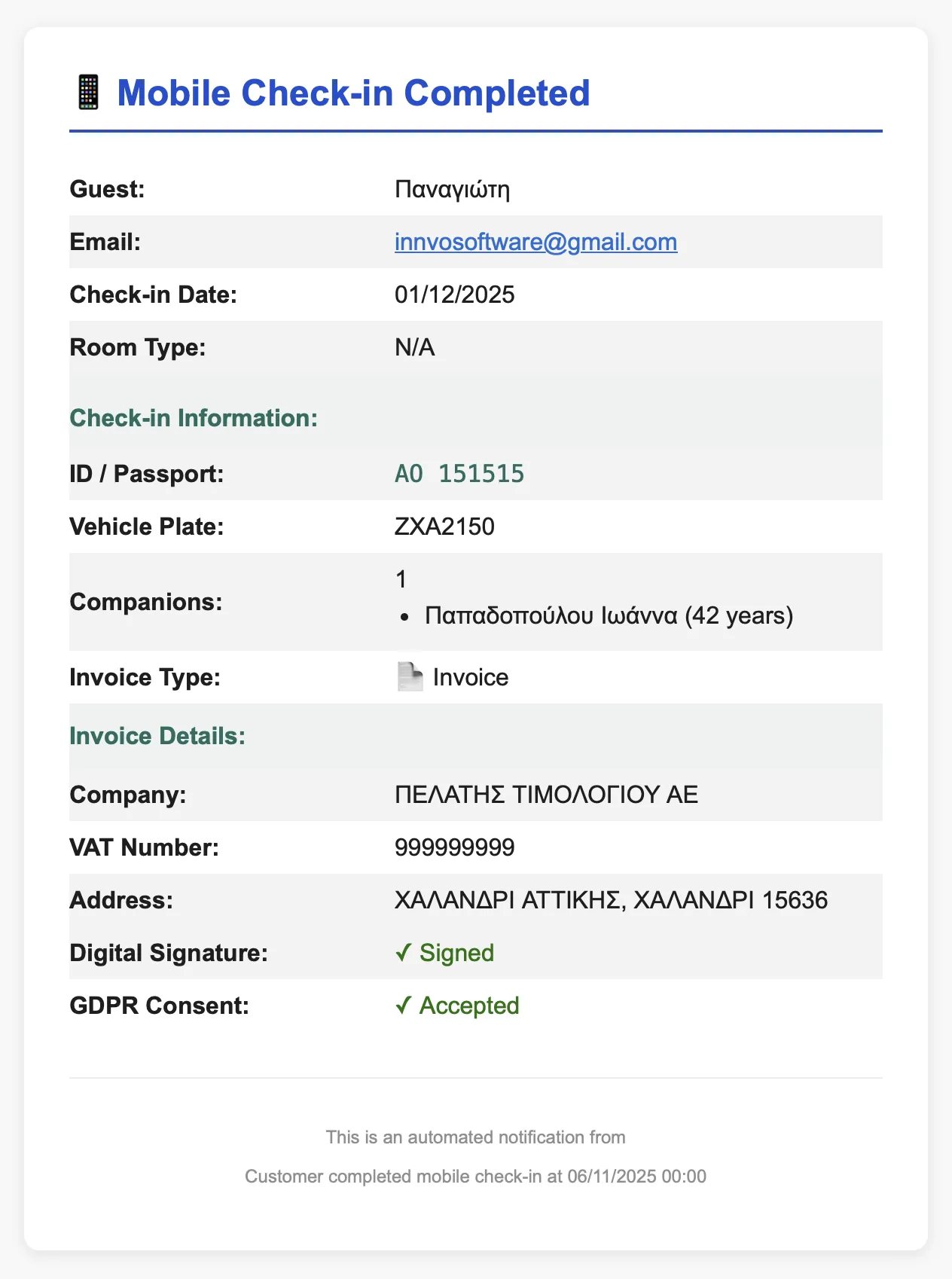
After completion:
- Manager receives notification email
- Data appears in admin dashboard
Reservation Confirmation
One-Click Confirmation
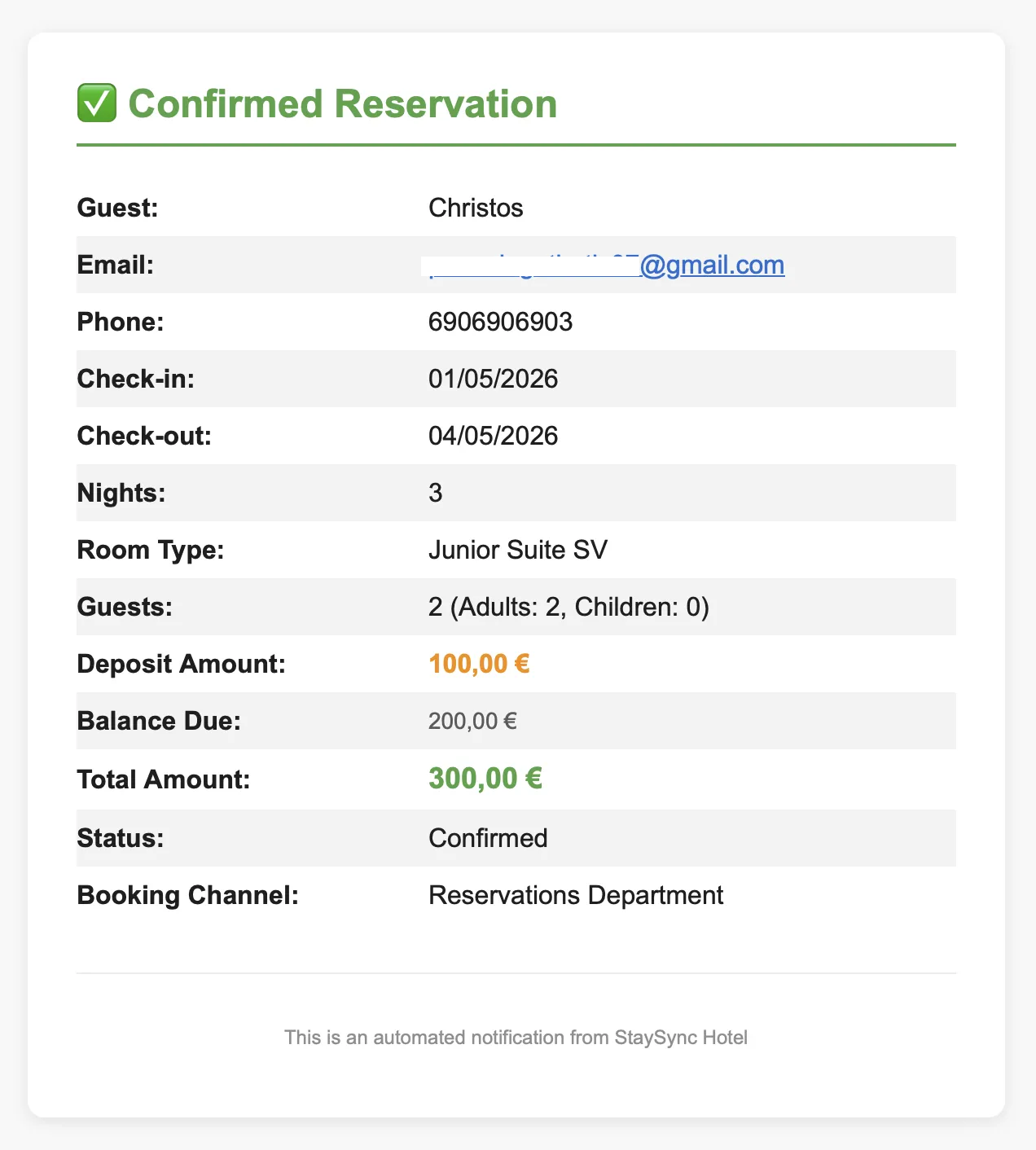
After deposit is confirmed:
- Manager confirms reservation from StaySync
- Flexible search based on guest details
- Add deposit details
At the end:
- Save & Send Email button
- Update CloudHotel button for PMS sync
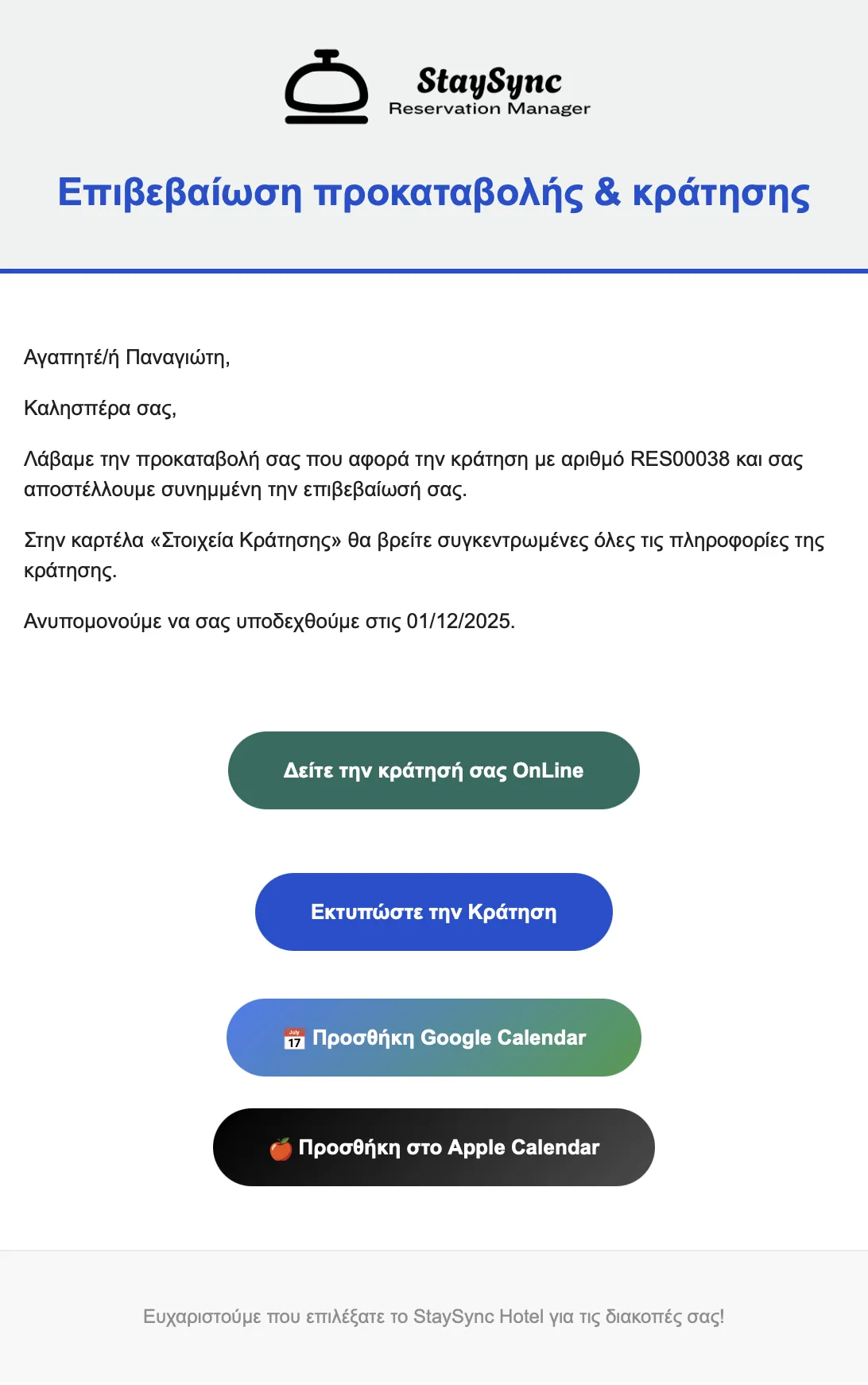
Customer notification:
- Confirmation Email
- Print option
- Add to calendar (Google/Apple Calendar)
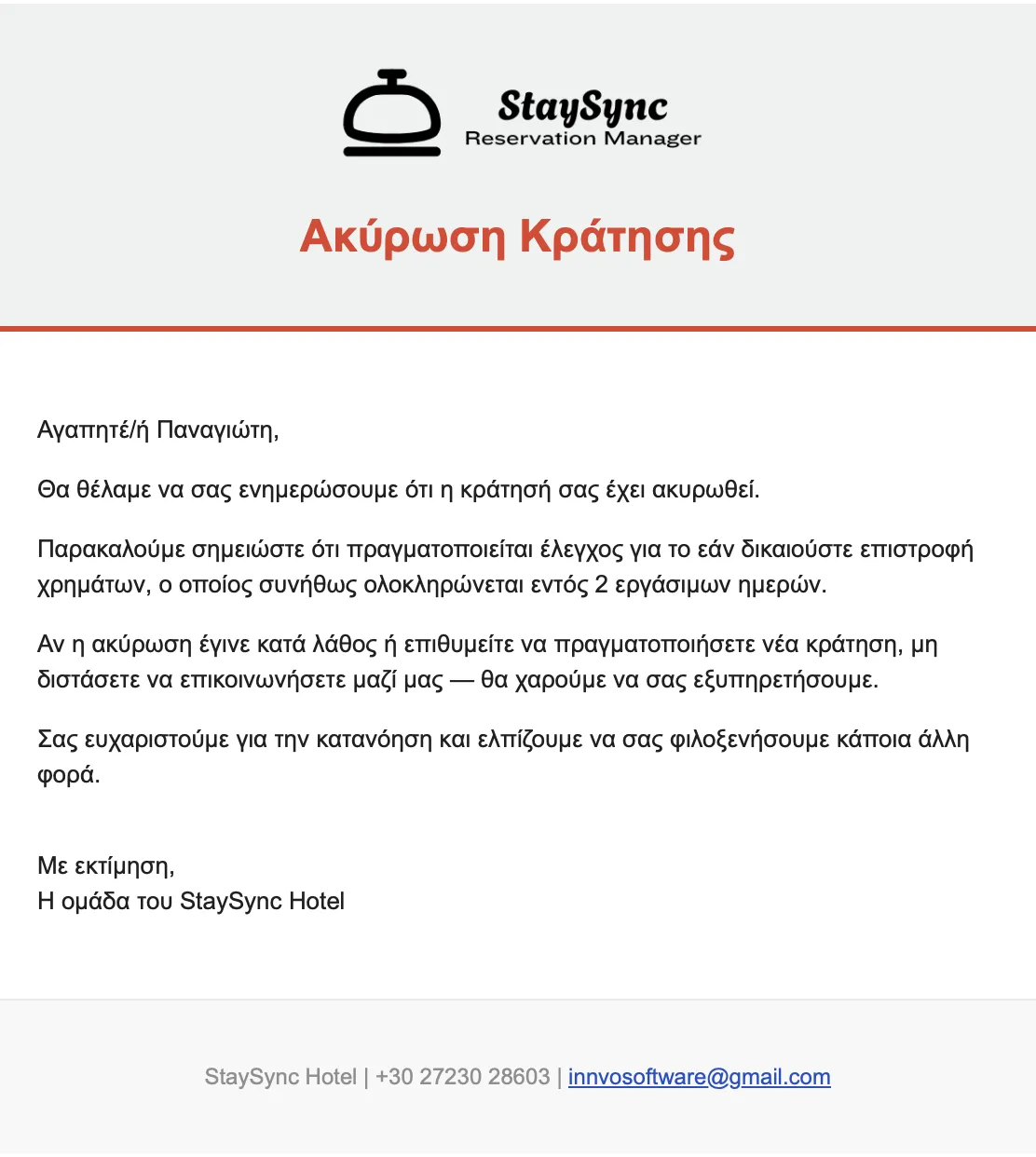
Reservation Cancellation
Cancellation Management
Manager can cancel a reservation:
- "Cancel Reservation & Send Email" button
- Update CloudHotel PMS for cancellation
Guest Notification:
- Email notifying about refund review
- Encouragement to reconsider cancellation
- Thank you message
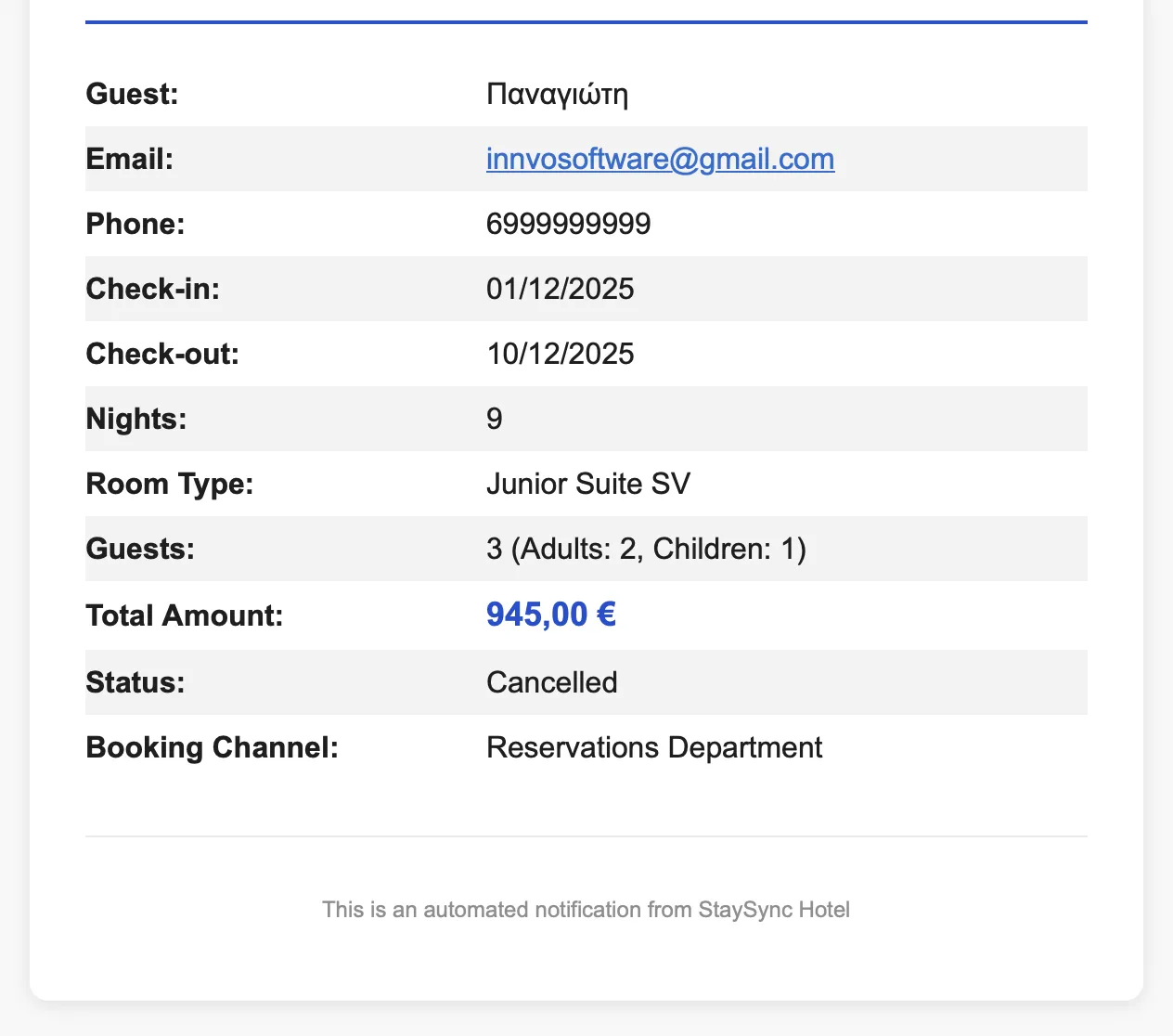
Manager & Finance Notification:
- Archive notification
- Email to accounting or finance manager